Upgrade Your Home Security with the Right Smart Lock
Gone are the days when traditional locks were enough to protect your home or office. As technology continues to evolve, digital door locks have become one of the most reliable, convenient, and secure ways to safeguard your property.
Whether you’re building a new home, renovating an existing one, or upgrading your office security, choosing the right digital lock is an important decision.
But with so many options available—from fingerprint locks to Wi-Fi-enabled smart locks—how do you know which one is right for you?
This guide will walk you through everything you need to know before investing in a digital door lock.
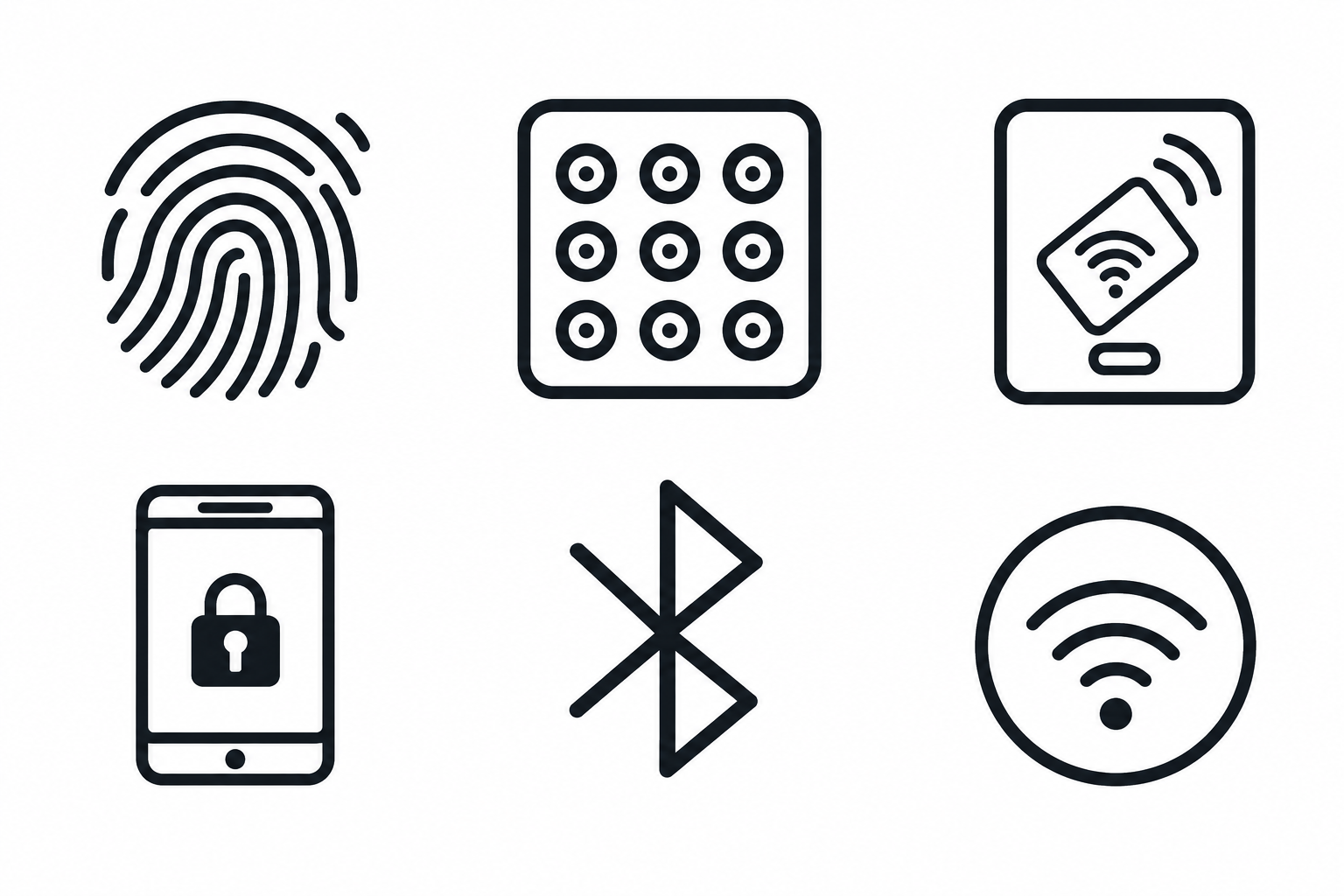
A digital door lock is an electronic locking system that replaces or enhances traditional mechanical locks. Instead of using only a physical key, these locks offer modern authentication methods such as fingerprint recognition, PIN or password, RFID cards, mobile app control, Bluetooth, Wi-Fi, and a mechanical emergency key backup.
Why Are More Homeowners Switching?
Enhanced Security
Keyless Convenience
Multiple User Access
Activity Tracking
Emergency Features
Things to Consider Before Buying
Choosing the right lock isn’t just about features—it’s about selecting a solution that fits your specific requirements.
Decide Where You'll Install It
Different environments require different security levels.
Examples: Main entrance doors, Apartment doors, Villa entrances, Office cabins, Commercial buildings, Server rooms, Hotels, Retail stores.
Choose the Right Access Method
Different users prefer different authentication options.
Popular methods: Fingerprint, PIN Password, RFID Card, Mobile App, Bluetooth, Wi-Fi Remote Unlock, Mechanical Backup Key.
Check Door Compatibility
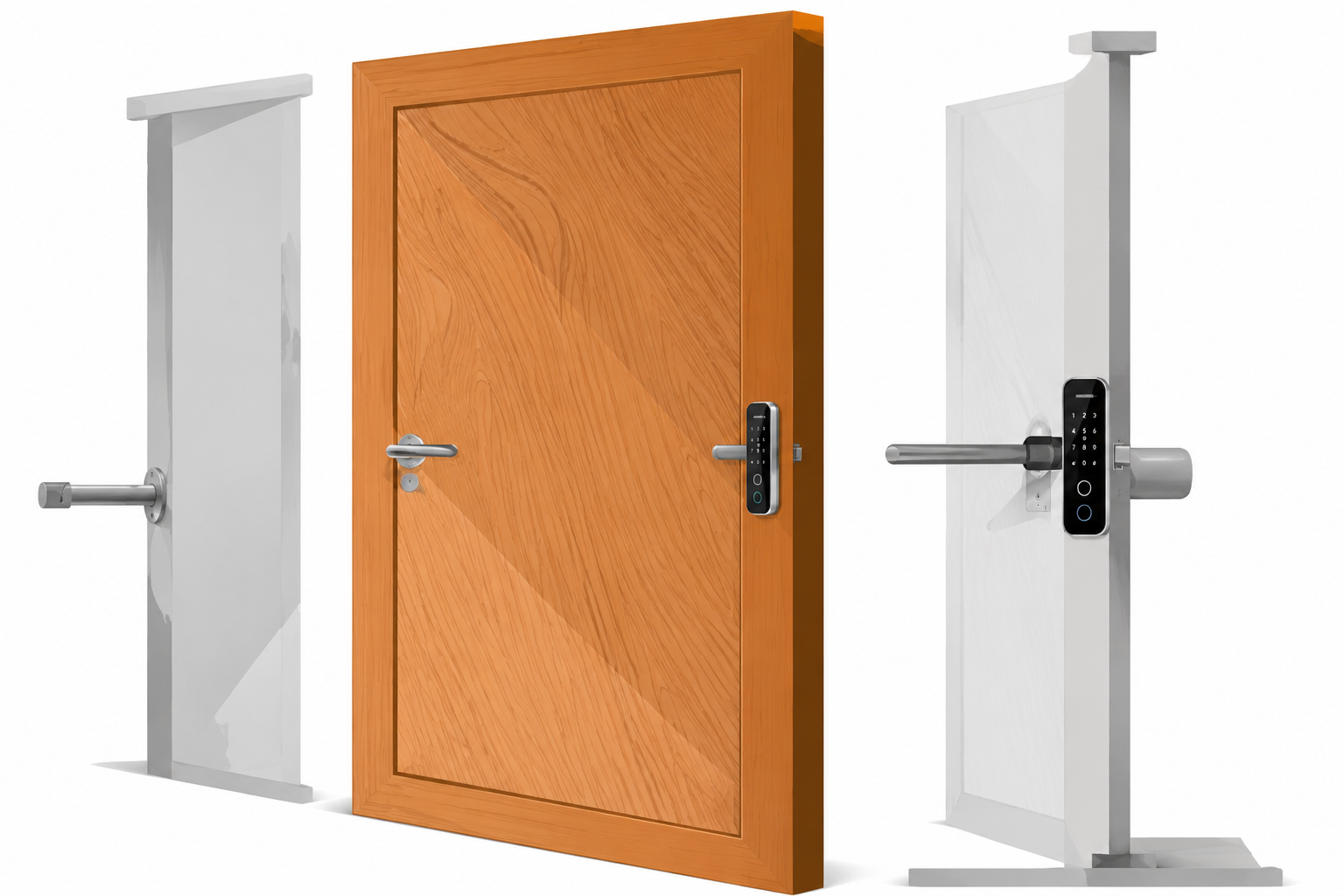
Before purchasing, ensure the lock is compatible with:
i. Wooden doors
ii. Steel doors
iii. Metal doors
iv. Glass doors (special models)
v. Door thickness
vi. Left-hand or right-hand opening
Battery Life Matters
Most digital locks operate on AA batteries and typically last between 8–12 months, depending on usage.
Look for: Battery status notifications, Low battery alerts, Emergency USB power option, Backup key access.
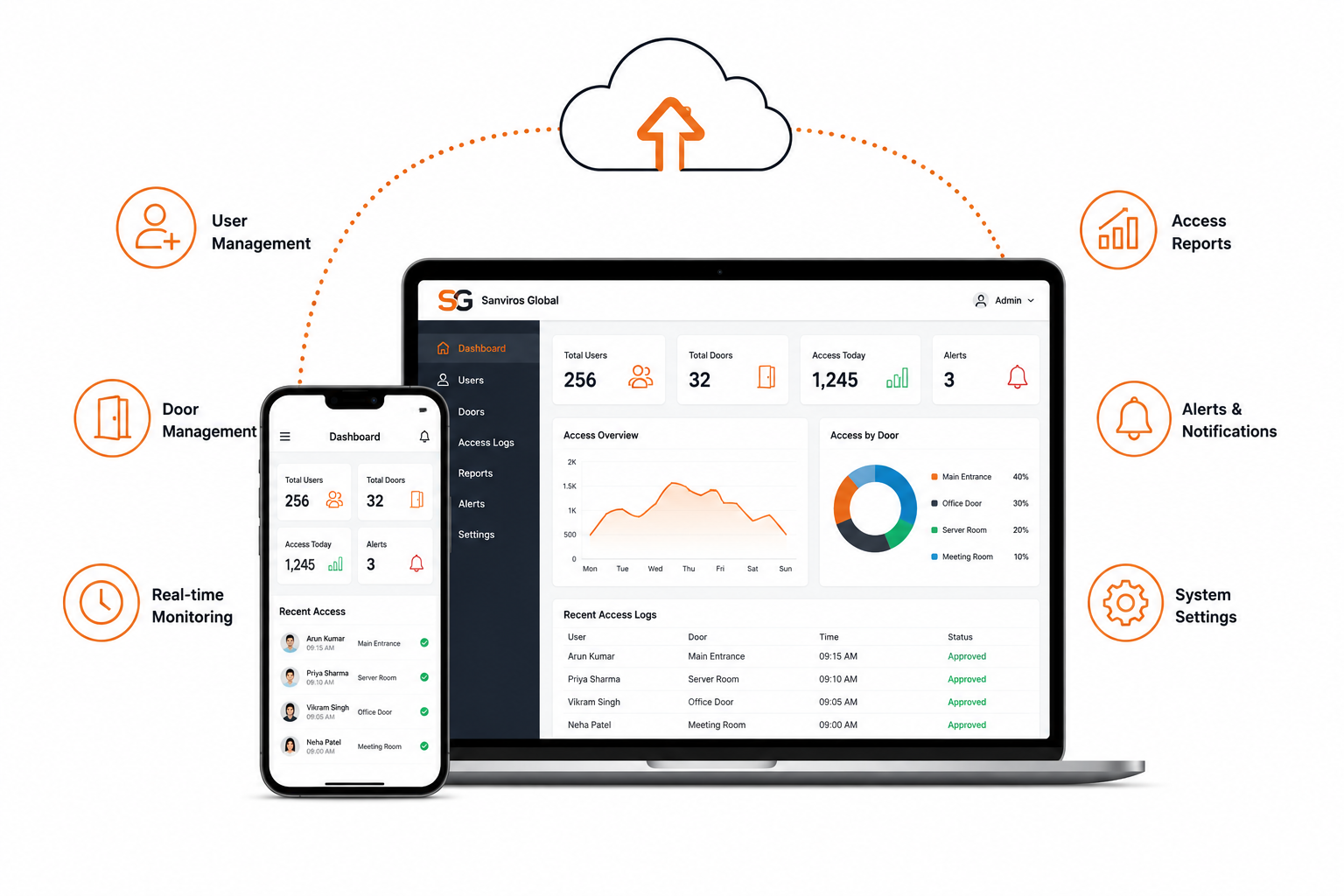
Consider Your Security Needs
Ask yourself: Is this for a home or office? Do multiple people need access? Do I need remote unlocking? Do I want visitor access? Do I need access history?
Answering these questions will help narrow down the right model.
Are Digital Door Locks Safe?
Reputable brands use advanced encryption, secure authentication protocols, and multiple backup mechanisms that often make them more secure than traditional locks.